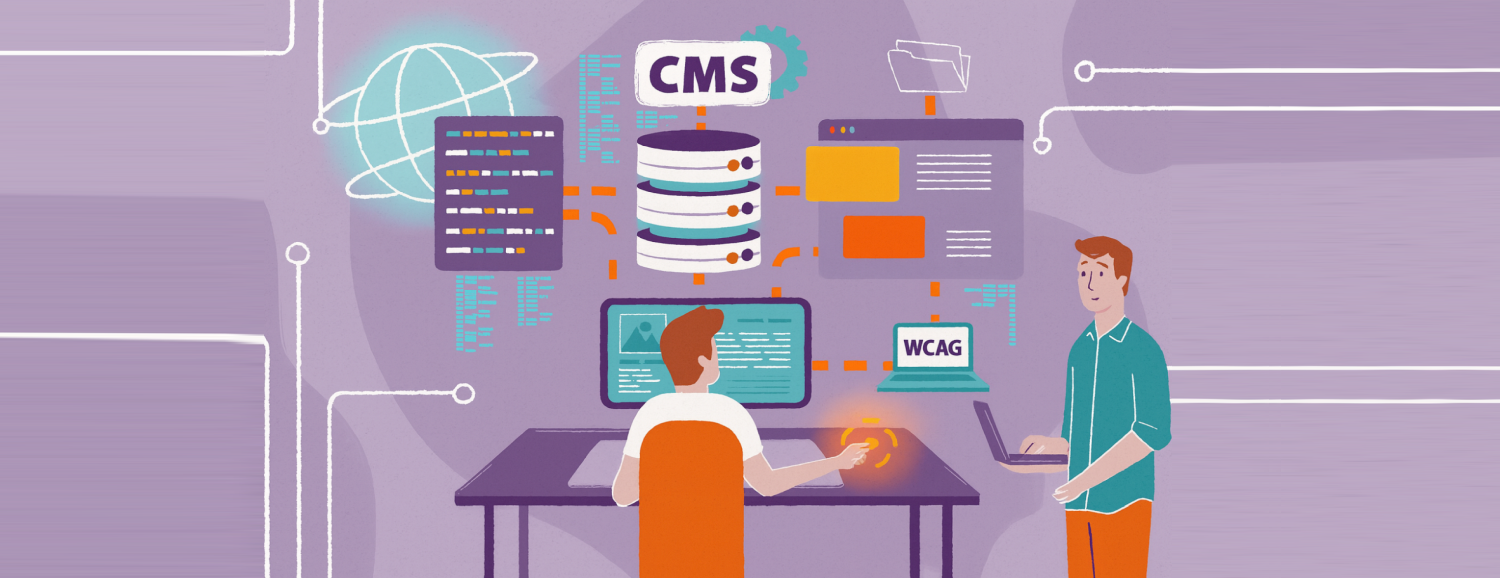
How to carry out a CMS replatforming project in 2026? A comprehensive guide
Most companies eventually reach a point where their existing CMS stops keeping pace with the speed of business growth. At first glance, everything seems fine – the site works, content gets published, and customers can use the service without issue. But beneath the surface, procedural barriers build up: every change takes too long, integrations become increasingly precarious, and the marketing team has to involve developers even for the simplest updates.
The technology itself becomes the main constraint. To bring order to the architecture and unlock further growth, organisations decide to replatform – that is, to move from a traditional system to a modern headless CMS solution.
This guide walks you through how to carry out a needs audit step by step, choose a scalable platform, and safely migrate your data and SEO, while avoiding the most common implementation mistakes.
Key takeaways:
- CMS replatforming is a strategic change that affects the pace of growth for the whole organisation.
- Traditional, monolithic systems are increasingly limiting scaling and integrations. Headless architecture is becoming the standard in e-commerce because of its API flexibility.
- Headless CMS separates content from presentation, making it easier to develop sites and serve multiple channels at once.
- A CMS replatforming project can (and should) be carried out in stages, minimising business risk.
- The key to a successful CMS replatform is good preparation: clear business goals, well-thought-out architecture, planned content migration, and precise SEO requirements.
What does CMS replatforming involve?
Replatforming is the process of moving content and content-management resources from one system (in this case, the CMS) to another that’s better suited to the current scale of the business. Unlike a simple visual refresh, replatforming touches the fundamentals – it changes how data is stored, edited and made available to other systems (such as e-commerce, CRM or mobile apps).
In practice, this means changing not just the system, but the entire logic of working with content, from creation, through management, to distribution across different channels.
When is it worth carrying out a CMS replatform?
Not every company needs an immediate change. However, there are clear signals showing that a current solution has stopped being helpful and has become a blocker instead.
CMS replatforming becomes necessary when:
- The time it takes to implement changes has grown dramatically, and even simple modifications to the site structure require weeks of waiting for IT support.
- The system is blocking expansion, and the current CMS can’t cope with multiple language versions (multi-language) or multiple brands within a single admin (multi-brand).
- Integrations become a barrier, with connecting the CMS to a new marketing automation or analytics system requiring costly, non-standard workarounds.
- Performance and security are failing, causing the site to load too slowly, which directly translates into a higher bounce rate and falling conversion.
- Technical debt is generating real losses, with maintaining old systems more expensive than moving to modern solutions.
How to carry out a CMS replatform step by step
Replatforming is a process that requires good preparation. Below is the approach recommended by Univio’s experts, one that has proven itself in practice.
1. Needs audit and content inventory
Before choosing a new technology, check what you actually have. Draw up an inventory of all content types (articles, products, landing pages) and the systems the CMS needs to work with.
This is also the ideal moment to analyse the site’s digital accessibility. The relationship between WCAG and CMS is fundamental here, since the new system should natively support the creation of content that’s accessible to all users – something that’s already a market and legal standard in 2026.
The needs audit shouldn’t be limited purely to technology and functionality. This is the right moment to design new UX, optimise user journeys and conversion paths, restructure the site’s information architecture, and review – and potentially revise – the tone of voice for your communications and content.
2. Choosing an architecture: why headless CMS?
The decision on which CMS to choose should be based on your business needs over the coming years. In 2026, headless CMS is the standard for a growing e-commerce operation. Unlike traditional monoliths, a headless CMS delivers content via an API.
Separating the editing panel (backend) from the visual layer (frontend) means that:
- Content entered once can be displayed across any sales channel: on the website, in the mobile app, and on screens in physical stores.
- Development teams can work with the most modern frontend technologies, without being constrained by the CMS engine.
In a modern architecture, the CMS very often works alongside other systems, such as a PIM, which is responsible for managing product data. If you’d like to understand this relationship better, take a look at how PIM-CMS integration works.
3. Designing the new data structure
This is the most important technical step. Rather than copying the old system’s structure one to one, design it afresh so that it’s flexible and allows new features to be added easily in the future.
4. Data migration and SEO strategy
Transferring content is best automated using scripts, to avoid human error. Maintaining visibility in Google is crucial – prepare a 301 redirect map for all your old URLs, so you don’t lose the rankings you’ve worked hard to build.
5. Testing and go-live
Replatforming doesn’t have to be “open-heart surgery”. You can roll out the new system in stages (for example, starting with the blog or help section), which lets you monitor user behaviour and infrastructure stability along the way.
6. The role of an implementation partner
Replatforming is a complex process that rarely succeeds as a project run entirely in-house. Support from an experienced partner, such as Univio, is essential – not only for the technical migration itself, but above all for strategically aligning the new architecture with your business goals. Expert support helps you avoid disruption to sales and ensures that your new technology stack is fully integrated.
CMS replatforming – examples
As you now know, headless CMS works well for large-scale, non-standard projects. Let’s look at two examples of replatforming to a headless CMS in industries facing complex services and high security requirements.
Lux Med: managing multiple sites from a single place
LUX MED, a leader in private healthcare in Poland, faced a challenge tied to rapid expansion. Numerous acquisitions meant the group was managing a complex ecosystem of websites for different companies and business lines. In the old system, every offer update was time-consuming and required constant developer involvement.
In response to these challenges, the Univio team implemented a modern ecosystem built on the Kontent.ai platform. By separating the frontend from the backend (headless), the marketing department gained full independence and can now edit content and build new sections instantly, without technical teams needing to get involved – all while maintaining the highest standards of medical data security.
The Design System that was also implemented (a library of reusable components) lets the LUX MED group launch further sites more quickly, while maintaining full visual brand consistency.
mBank: an innovative and secure website
mBank needed a website that would meet the expectations of a modern, mobile audience. Key objectives included improving UX, refreshing the design, and shortening the time it took editors to publish content – editors who had previously been heavily dependent on the development team’s schedule.
How were these challenges addressed? The site’s architecture was built around the MACH approach (Microservices, API-first, Cloud-native, Headless). Using SSG (Static Site Generation) technology eliminated slow loading and publishing times, with the site generated statically – guaranteeing lightning-fast performance even at record traffic levels, and the highest level of resilience against attacks. The CMS was enhanced with dedicated modules for document management and calculators.
The result? The content team can respond to the bank’s business needs in real time, independently building advanced subpages and tools.
CMS replatforming – where should you start?
CMS replatforming in 2026 is an investment in your company’s operational agility. Moving to a modern, resilient and secure architecture takes the load off developers, gives the marketing department independence, and, above all, lets you respond to customer needs more quickly.
Working with a professional implementation partner turns this complex process into a safe step towards your organisation’s continued growth.
Want to check whether your current CMS is holding back your growth?
Get in touch with the Univio team – together we’ll analyse your architecture and prepare a migration plan that unlocks your e-commerce potential.
FAQ – frequently asked questions
What does replatforming involve? Replatforming involves switching technology (such as a CMS) to something more modern and better suited to current business needs, without a complete overhaul of how the company operates. The goal is to improve efficiency and flexibility.
What’s an example of replatforming? The most common example is moving from systems such as WordPress or custom-built monoliths to a headless CMS (such as Contentful or Strapi). This allows for faster page loading and easier management of multiple sales channels at once.